A practical 10-minute readiness guide

Emergency Contact Readiness Checklist

A few minutes setting up the right contacts today means the right people can act quickly if they're ever needed. Let's get yours ready together — calmly, one item at a time.

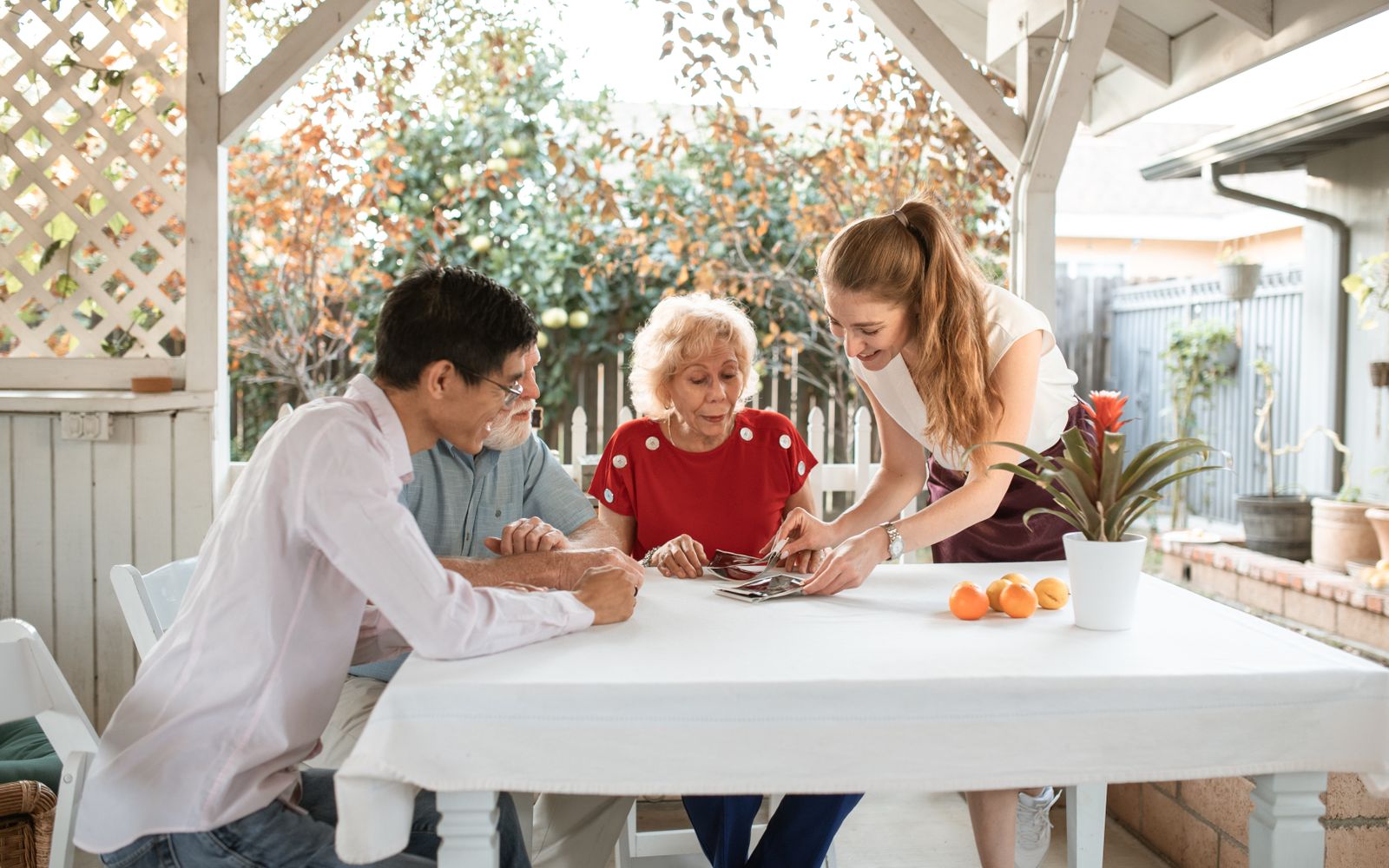
A person sitting at a kitchen table reviewing their phone contacts while planning with a family member

Most people assume their emergency contacts are current

Here's the quiet truth: most of us set up an emergency contact once — years ago, on a form at the doctor's office or in our phone — and never look at it again. Numbers change. People move. The friend who lived two streets over now lives two states away. None of that means anything went wrong. It simply means the list drifted out of date while you were busy living your life.

The good news is that this is one of the easiest things to put right, and you don't need an emergency to do it. A short, unhurried review today — choosing the right people, checking a few numbers, writing down a couple of details — quietly puts everything in place. Then it's done, and you can stop thinking about it. The checklist below walks you through every step.

What "ready" actually looks like

Being ready isn't about preparing for the worst. It's about making sure that if someone ever needs to reach the right person on your behalf — or you need to reach someone fast — the information is accurate, easy to find, and already in the right hands. Readiness is mostly small, practical details lined up in advance, so nobody has to scramble for them later.

The best time to organise your emergency contacts is on an ordinary, uneventful afternoon — calm, clear-headed, and in no rush at all.

Below are the six things worth thinking through. Each is short and concrete. Read them once, then use the checklist that follows to act on them.

👥

Who should be your emergency contacts?

Choose people who are reliable, reachable, and likely to answer quickly — not necessarily your closest relative, but the person most likely to pick up. A good list has a primary contact who is usually nearby, a backup, and one person outside your area in case a local event affects everyone at once.

For example: your daughter as primary, a trusted neighbour as backup, and a sibling in another state as the out-of-area contact.
📅

How often to update contact information

Review the list at least once a year, and whenever something changes — a new number, a move, a new medication. Pinning the review to a date you already remember, like a birthday or New Year's Day, means it stays current without you having to track it.

For example: every year on your birthday, take five minutes to confirm each contact's number still works.
🩺

Medical information review

Write down the few things a helper would want to know fast: allergies, current medications, key conditions, and your doctor's number. You control exactly what's included. Modern phones can show this on the lock screen so responders see it without unlocking anything else.

For example: a short note listing a penicillin allergy, two daily medications, and your GP's direct line.
🗣️

Communication plans

Make sure everyone knows the plan, not just you. The people on your list should know they're listed, who the backup is, and roughly what to do if they can't reach you. A two-minute conversation turns a name on a form into a person who's ready to help.

For example: "You're my first call, and if you can't reach me, ring Aunt Carol — she has a spare key."
⏱️

Emergency response expectations

Set simple, realistic expectations so nobody over- or under-reacts. Agree on what a "check on me" looks like — a phone call first, then dropping by, then who to call after that. Clear, calm steps mean help arrives in the right order, without panic.

For example: "If I don't answer twice, please come by; if I'm not home, here's the number for my brother."
🤝

Family coordination

Keep one shared, agreed version of the information so the whole family is working from the same page. Decide who holds the key, who has the medical details, and where the important documents live — and make sure more than one person knows.

For example: a shared note that says where the insurance papers are and who to call first.
Emergency Contact Readiness Checklist

Work through these at your own pace. Tick each one you've already done — there's no wrong answer, and nothing here is stored. The more you tick, the higher your preparedness score. Anything left unticked is simply your gentle to-do list for a quiet afternoon.

Tick each one you've already taken care of

Nothing is stored — this is just for you. Your preparedness score updates as you go.

0/0

A few minutes that made all the difference

Reached fast, miles from home

On a trip abroad, James felt unwell at his hotel. The staff checked his phone's Medical ID — there, on the lock screen, was his daughter's number and a note about his medication. They reached her within minutes, and she was able to talk to the clinic and reassure everyone. The details he'd added one quiet evening months earlier did exactly their job.

J
James, 68Travelling in Portugal
Updated just in time

Priya had updated her mother's emergency contacts only a few weeks before — swapping out an old neighbour's disconnected number for her own and her brother's. When her mum had a fall and a passer-by helped, the first number they tried actually rang through to Priya. "If I'd put it off," she said, "they'd have been calling a number that hadn't worked in years."

P
Priya, 46Caring for her mother
A plan everyone knew

The Okafor family spent ten minutes one Sunday agreeing who was the first call, who held the spare key, and where the documents lived. Nothing happened that month, or the next. But when their dad later needed help, no one hesitated or argued — they simply followed the calm plan they'd all written down together. That's all readiness really is.

O
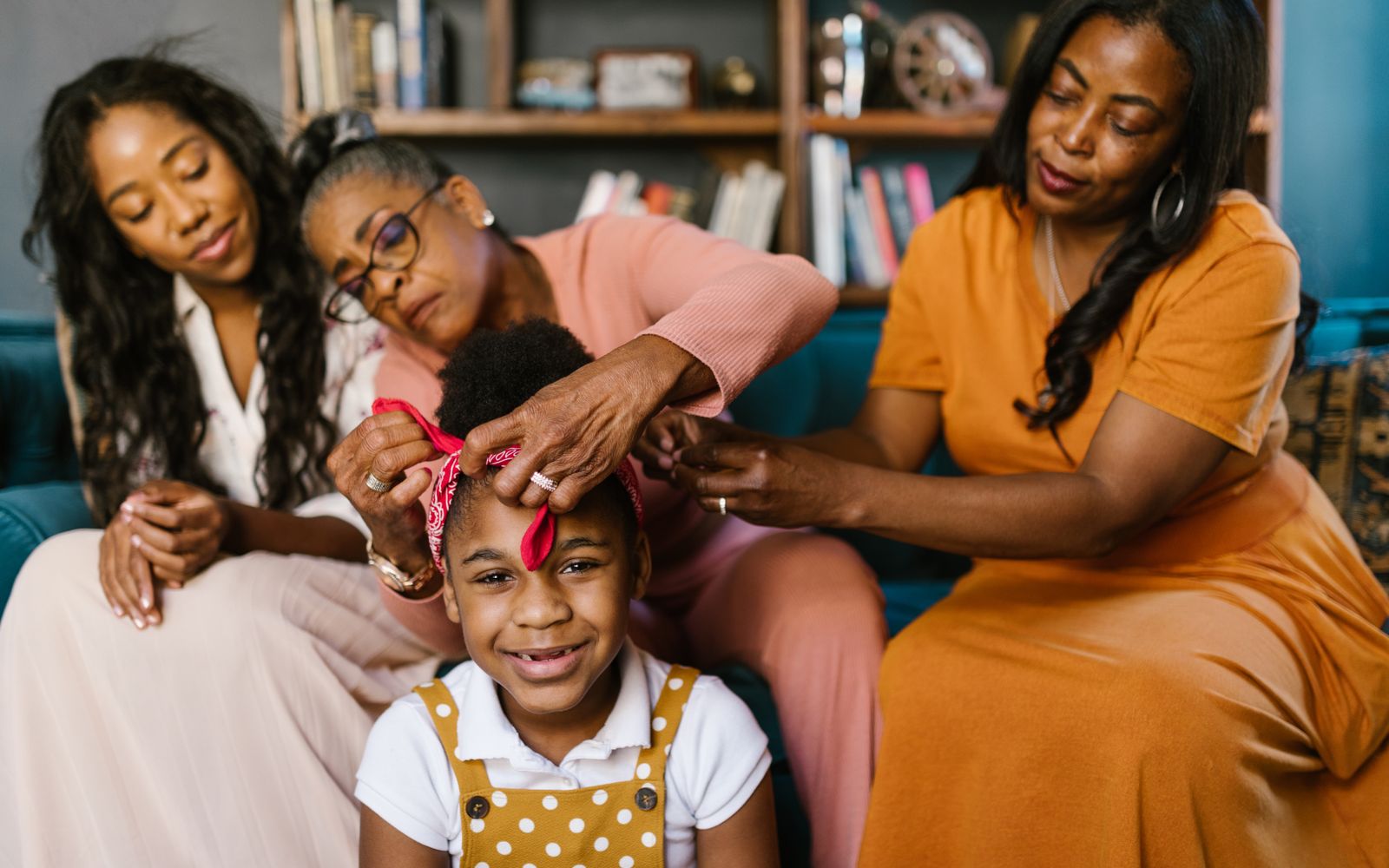
The OkaforsThree generations, one shared plan

How I'm OK Strengthens Your Emergency Plan

Emergency contacts become far more effective when wellness check-ins are automated. Instead of someone happening to notice that you're out of touch, I'm OK notifies the people you chose the moment a daily check-in is missed — so help can begin by design, not by chance. It's the difference between a list of names and a plan that actually springs into action.

👍

1. One tap a day

A friendly daily prompt. One tap says "I'm OK," and everyone you've chosen can relax — no message needed.

🔔

2. If it's missed

I'm OK gently reminds you first. If there's still no response, it automatically alerts the contacts on your list.

❤️

3. The right people know

Your chosen contacts are notified right away — reassurance, not surveillance. No tracking, no fuss, just a timely heads-up.

⏱️

Alerted the moment a check-in is missed

The whole point of an emergency contact is that they find out in time. I'm OK closes the gap between "something's wrong" and "someone knows," so your contacts are notified promptly instead of by coincidence.

🔒

Privacy kept intact

It's not GPS tracking or constant monitoring. Your contacts are only alerted when a check-in is missed — the rest of the time, your independence and privacy stay completely your own.

📲

The contacts you chose, automatically

The list you built using the checklist above is exactly who gets notified. I'm OK simply makes sure that, when it matters, those people are reached without anyone having to remember to make the call.

I'm OK Alert app icon

Download I'm OK

Turn your emergency contact list into a plan that acts on its own. — Free to download. Set up your first daily check-in in minutes, and give the people you love one less thing to worry about.

Frequently asked questions

Who should I choose as an emergency contact?

Pick people who are reliable, reachable, and likely to answer quickly — usually a close family member or trusted neighbour who lives nearby, plus one backup who lives a little further away. The best contact is not always the closest relative; it's the person most likely to pick up the phone and know what to do. Choose people who already know a bit about your routine, your home, and your health.

How many emergency contacts should I have?

Two or three is a good number. One primary contact who's usually nearby and reachable, one backup in case the first can't be reached, and ideally one out-of-area contact in case a local event affects everyone in the same place. More than three or four can actually slow things down, because no single person feels clearly responsible.

How often should I update my emergency contact information?

Review it at least once a year, and any time something changes — a new phone number, a move, a new medication, or a change in who's available. Tying the review to a date you already remember, like a birthday or the start of a new year, makes it easy to keep current without thinking about it.

Is it safe to keep medical information on my phone?

Yes. Both iPhone and Android have a Medical ID or Emergency Information feature that lets responders see key details — allergies, medications, conditions, and contacts — from the lock screen, without unlocking your phone or seeing anything else. You choose exactly what to include, and the rest of your phone stays private.

What is an ICE contact?

ICE stands for "In Case of Emergency." It's a contact saved in your phone — often labelled ICE so responders can find it quickly — that tells anyone helping you who to call. On modern phones this lives in the Medical ID or Emergency Information section, accessible from the lock screen.

How does I'm OK notify my emergency contacts?

With I'm OK, you tap once a day to confirm you're okay. If a check-in is missed, the app gently reminds you first. If there's still no response, it automatically notifies the contacts you chose — so the right people are alerted the moment something seems off, instead of finding out by chance. It's not GPS tracking; contacts are alerted only when a check-in is missed.

More guides for peace of mind